
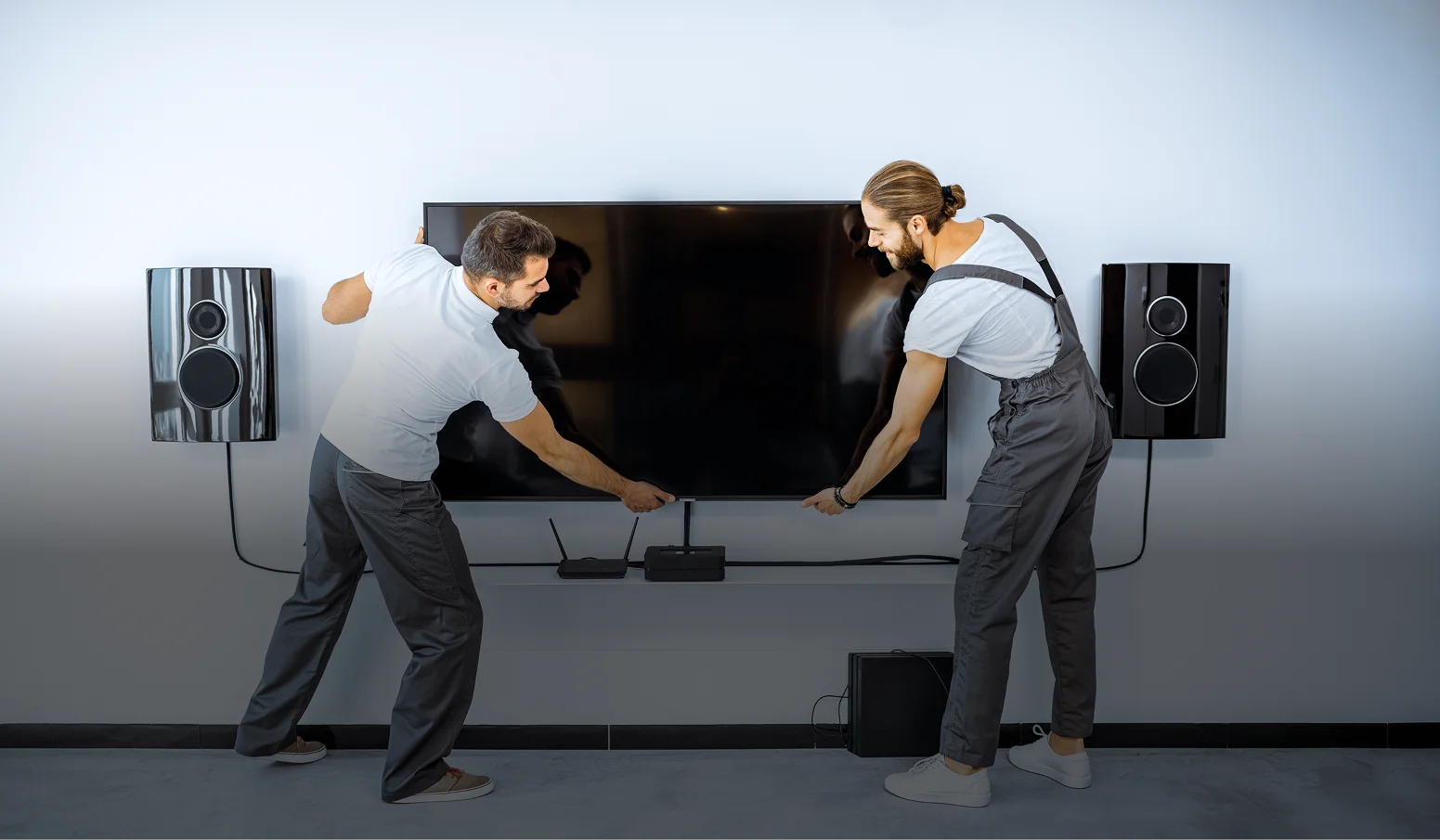
TV Mounting Services
1 Hour On Your Site – Serving Your Area Swiftly!
Take a brief quiz and get a $30 as a reward.
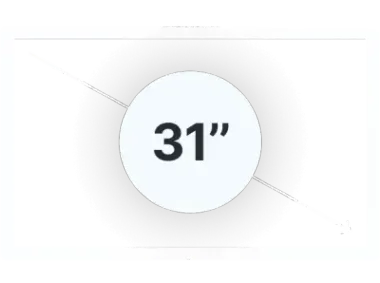
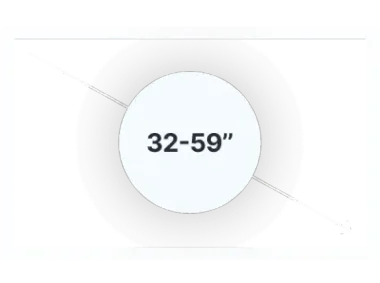
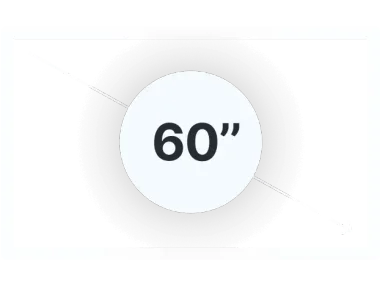
What size is the TV?

Clear Pricing
No Hidden Costs. You see the final price before we start. Starting from $65 for TV wall mounting.

Quality with 1 Year Guarantee
Trusted Experience, Expertise Protected by Insurance. If any issue arises within a year — we fix it at no charge.

Red Carpet Treatment
Always Excel Expectations. Client is Always Right. Cleaning After the Works. We leave your space spotless every time.
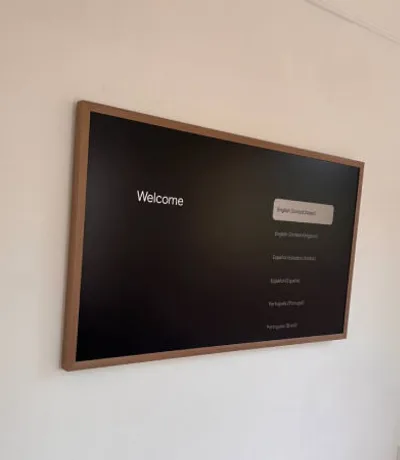
Wire Concealment
We conceal cables inside walls or via external cord covers for a clean, polished look.
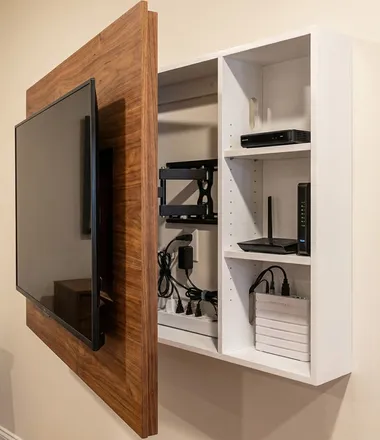
TV Dismounting
Moving? We safely dismount and remount your TV, patch holes, and leave the wall ready.
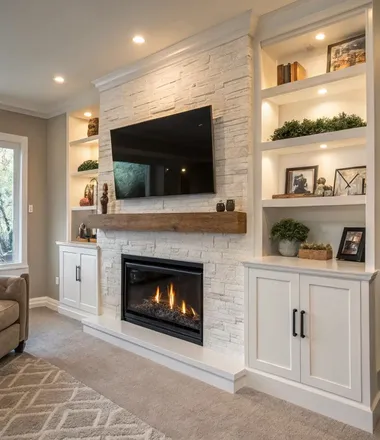
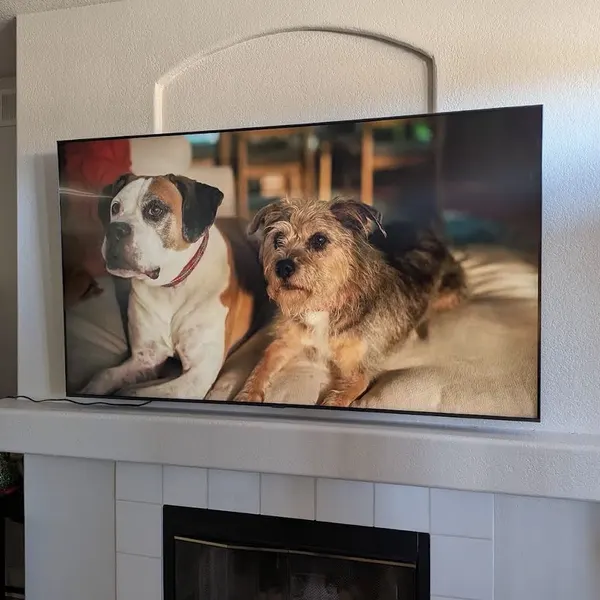
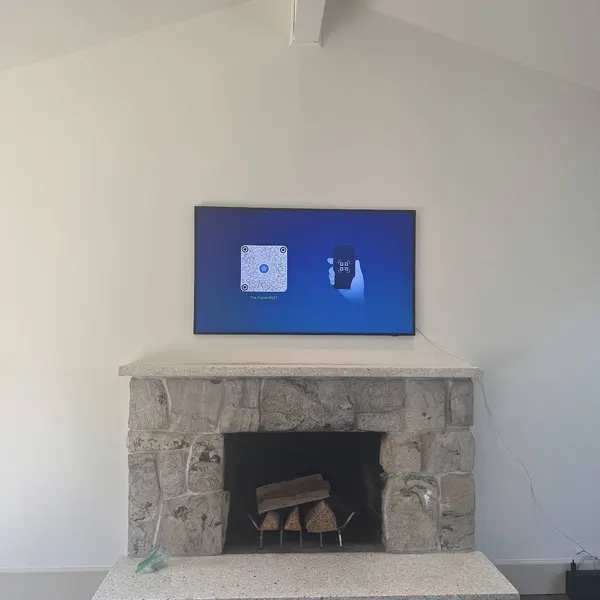
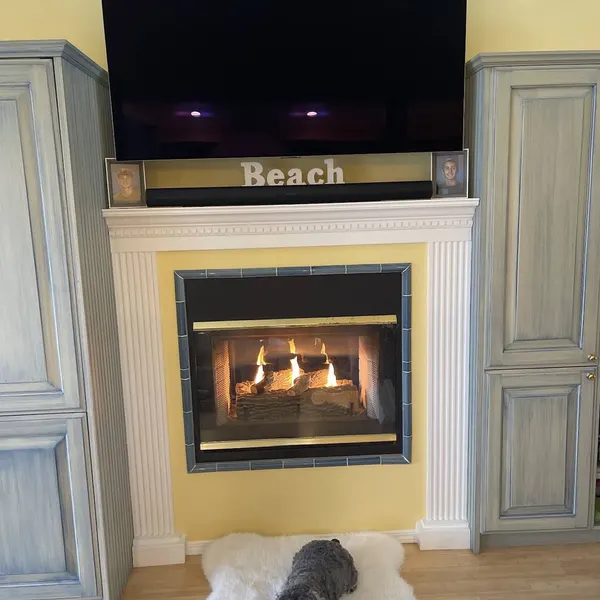
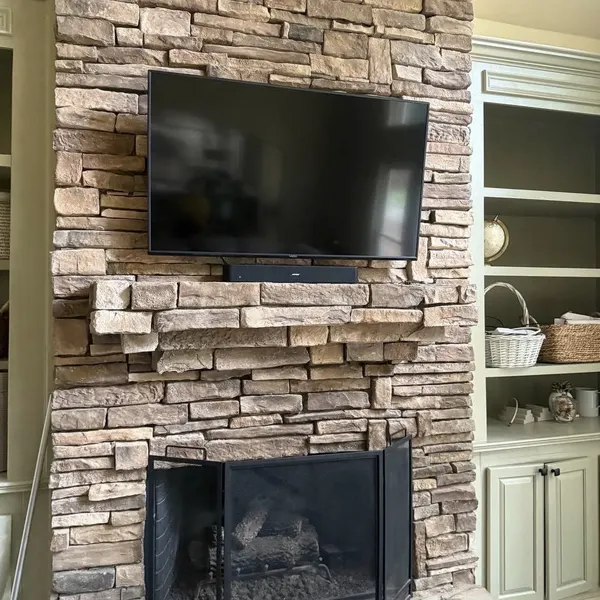
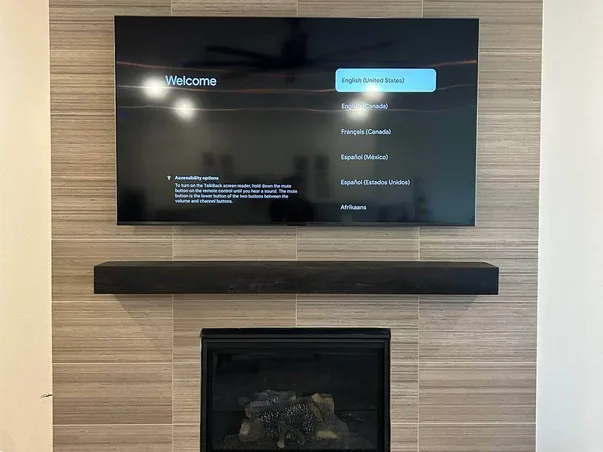
Fireplace TV Installation
We mount TVs above fireplaces with proper heat shielding and full cable management.
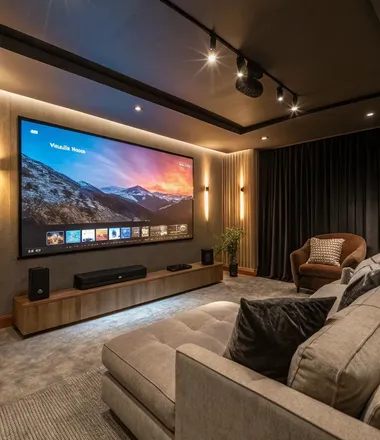
Home Theater
TV, projector, surround sound — full installation and calibration for the perfect home cinema.
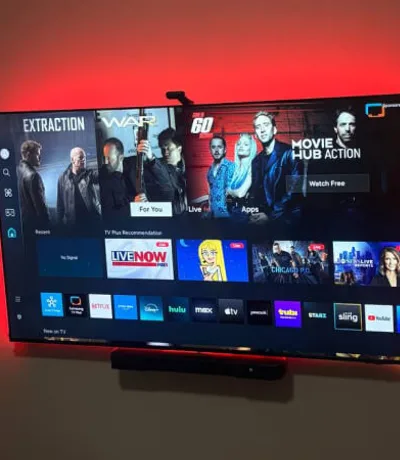
Soundbar
Wall-mounted under the TV for a clean, immersive audio setup with no visible cables.
Take a brief quiz and get a $30 as a reward
PRESS TO STARTVerified Google Reviews
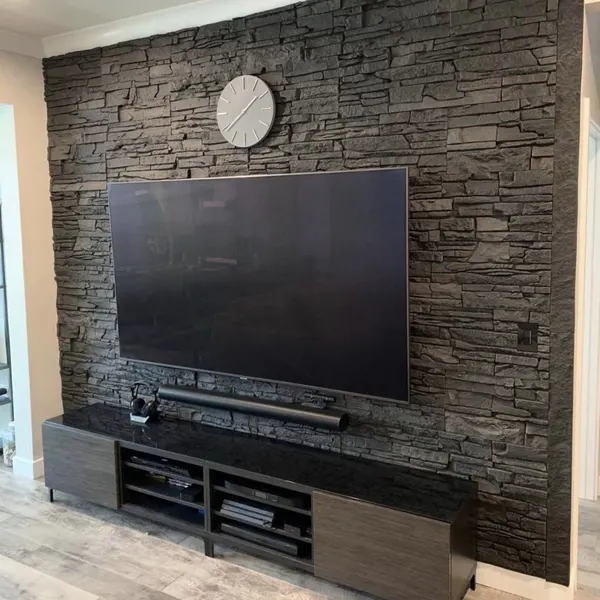
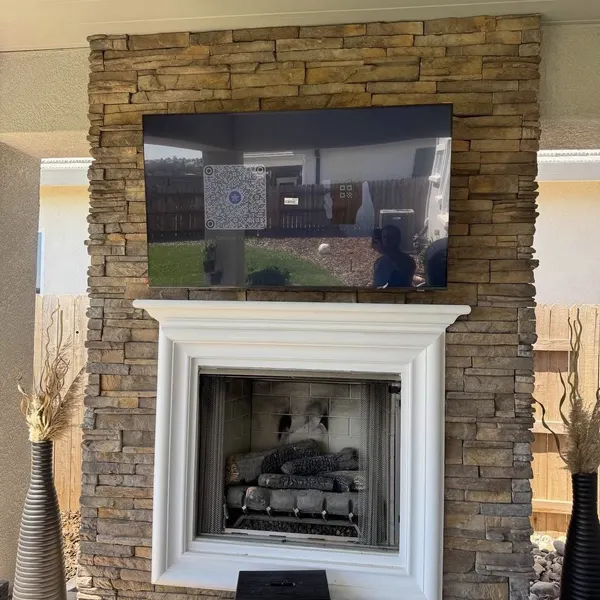
Our works
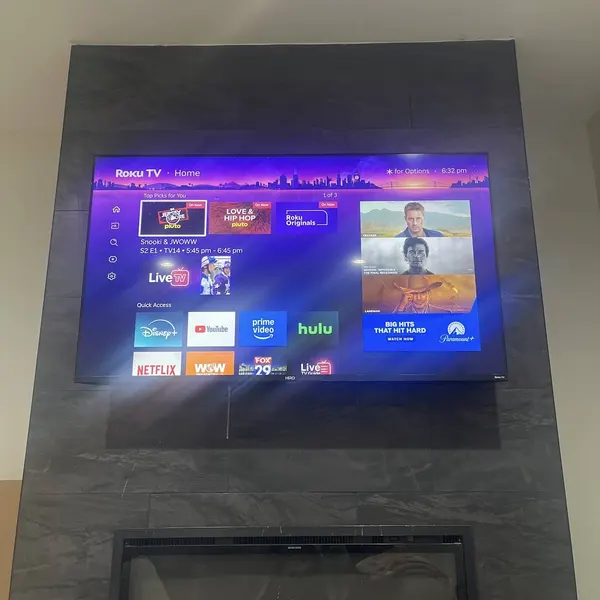
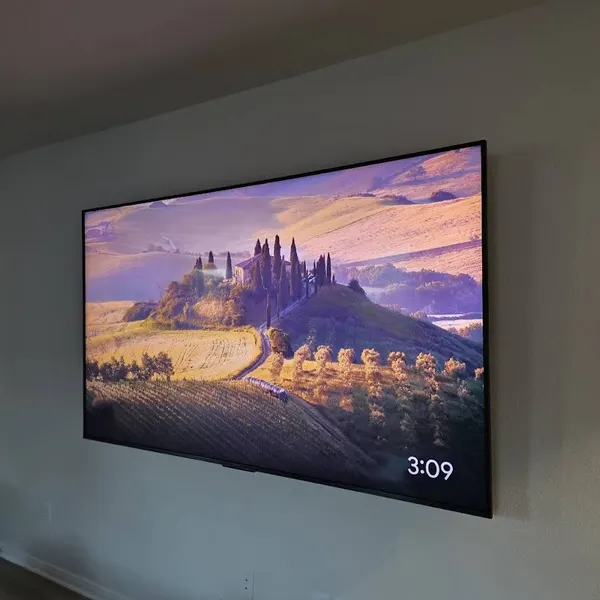
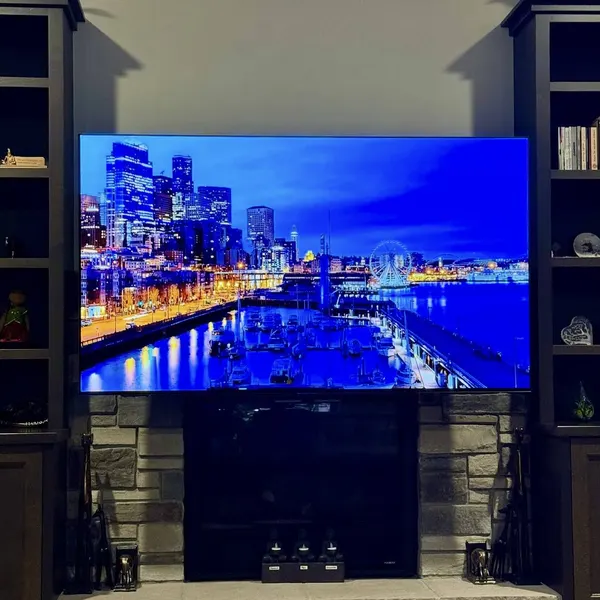
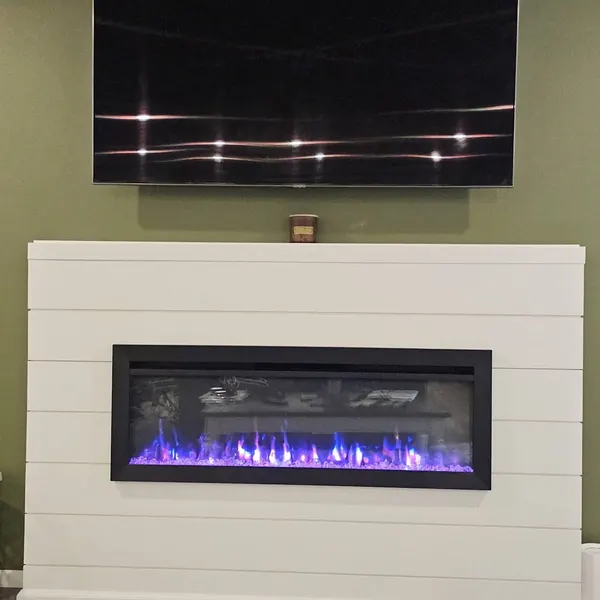
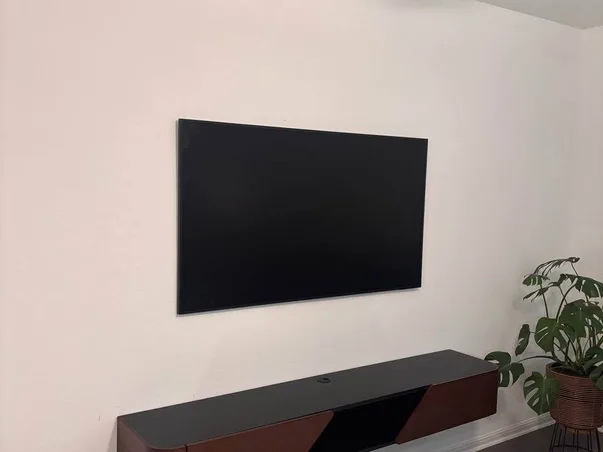
What we care about
At TV Mount Experts, we are the trusted experts in wall-mounted TV installations, ensuring your peace of mind with secure TV installation and top-notch service quality.
We value your time. We provide prompt service, arriving with the right tools and the right attitude. Our technicians offer exceptional 5-star service and outstanding assistance to ensure your full satisfaction every single time.
We offer flexible mounting locations, including interior walls, above the fireplace, hanging from the ceiling, and even in exterior areas. We're experts at hiding wires, creating a clean look. We handle drywall repairs, texture matching, and painting.
TV mounting can be stressful, but we take care of everything. Our experts handle the whole process, from attaching brackets to mounting on the wall. We find the right solutions, whether you need a swivel, tilt, or custom setup.
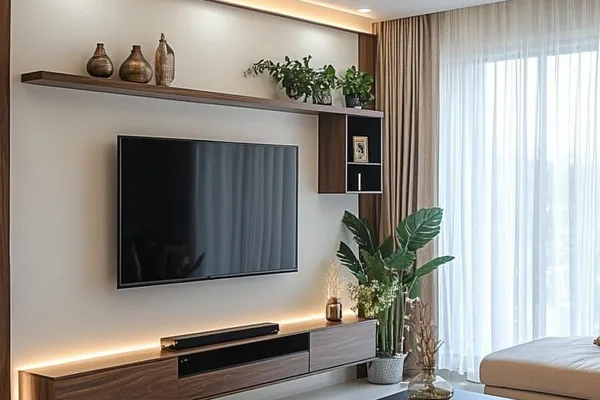
Why Do People Choose TV MOUNT EXPERTS?

5+ Years of Experience
Over 10,000 successful TV mountings completed. Our expertise is backed by a track record you can trust.

Clear and Fair Prices
From $65 for TV mounting. No hidden costs — the price you see is the price you pay.

Skilled Installation Team
Licensed, insured technicians. Precise mounting, clean finish, and all work verified before we leave.

1-Hour On-Site Service
We arrive fast and work efficiently. Every job backed by a 1-Year Guarantee — no questions asked.

Same-Day Availability
Need it done today? We offer same-day appointments across your area, 7 days a week.

Red Carpet Treatment
We clean up after every job, respect your home, and won't leave until you're 100% satisfied.
Take a brief quiz and get a $30 as a reward
PRESS TO STARTQuestions About Our Service Answered
Common Questions About TV Mounting
We'll promptly reach out to assist you
Call us now or leave your number — we'll call back within 15 minutes and schedule same-day.
+1 (213) 556-45-58Available 24 hours daily, 7 days a week